Drawing comics is hard at the best of times, so any kind of shortcut to make life a little bit easier is welcome. I’ve seen a lot of other comic artists make use of 3D models in their work to lay out environments, vehicles, etc. that they might need to draw over and over. And now that ClipStudio Paint can import 3D models into the canvas (and rotate them around in perspective!) I thought it would be a good time to finally take advantage of it. I’ve always wanted to learn Blender or SketchUp but never had the time, so I reached out to the subscriber group on Discord to see if anyone had any friends or contacts with modelling skills. A big, big thanks to Jay for putting me in touch with his friend Grace!
The Tanager Ship is a pain to draw! It’s a weird shape and because it’s in space, I have to draw it at all kinds of angles. Since it features heavily at the beginning of issue two, it seemed like a perfect candidate for a 3D model test.
I sent Grace a few pictures from issue one of Tanager so she could see what the ship looks like. It sort of changed from page to page as I didn’t have a final design. I did some sketches to try to help clarify things. They probably should have been more detailed, but since I only need a basic shape for reference, Grace said this would be fine.
Turnarounds
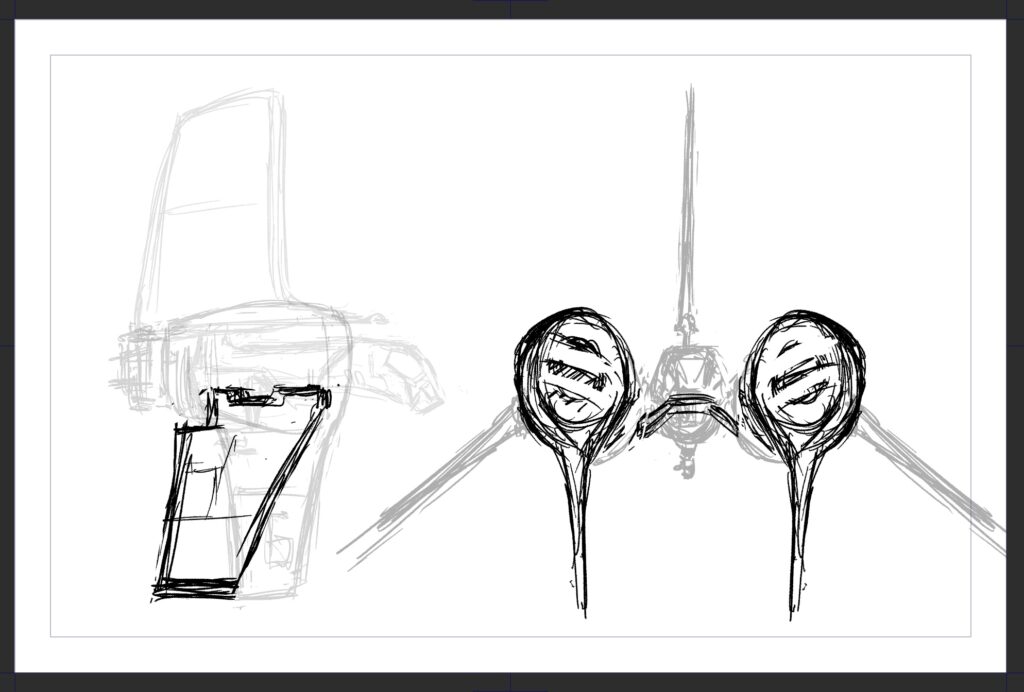
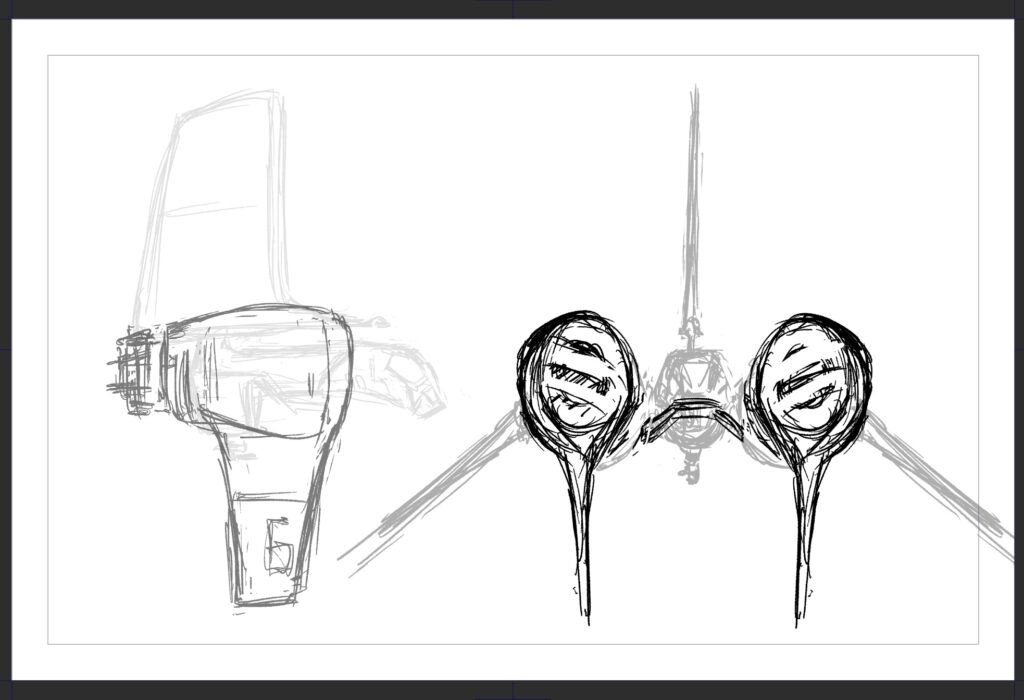
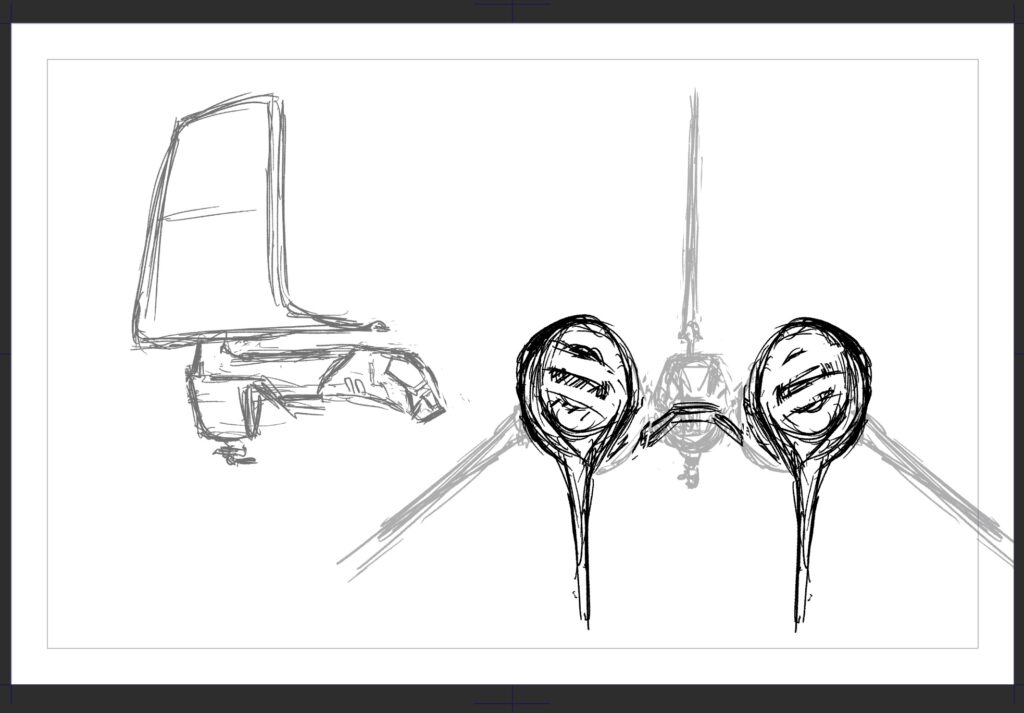
Progress
Grace’s first model was done really quickly! It captured the basic shapes I sent her in the drawings and it was actually very helpful for me to see it in three dimensions so I could make some hard decisions about how I wanted it to look. I used these models as a template to draw over, with added details. My only real notes were to make the wings and fin much thinner and the squash/stretch the big front intakes so that they’re taller than they are wide.
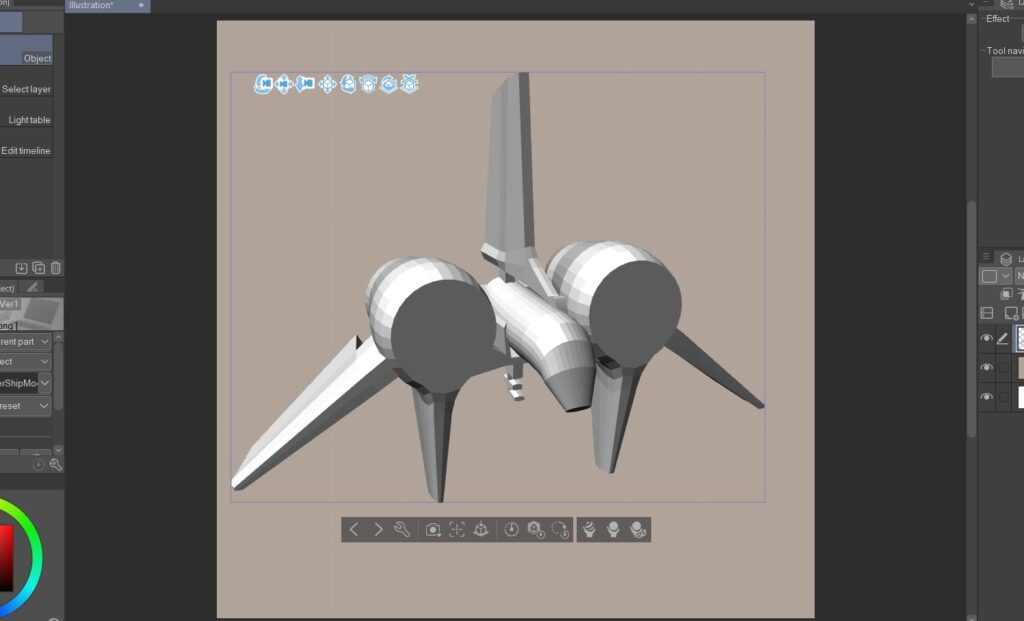
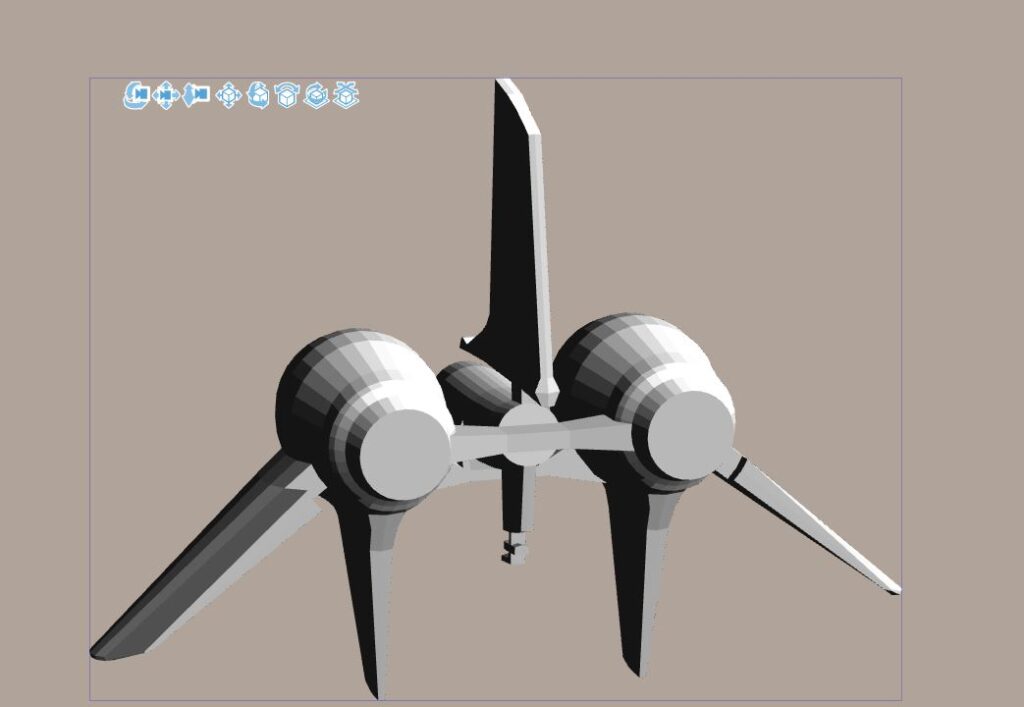
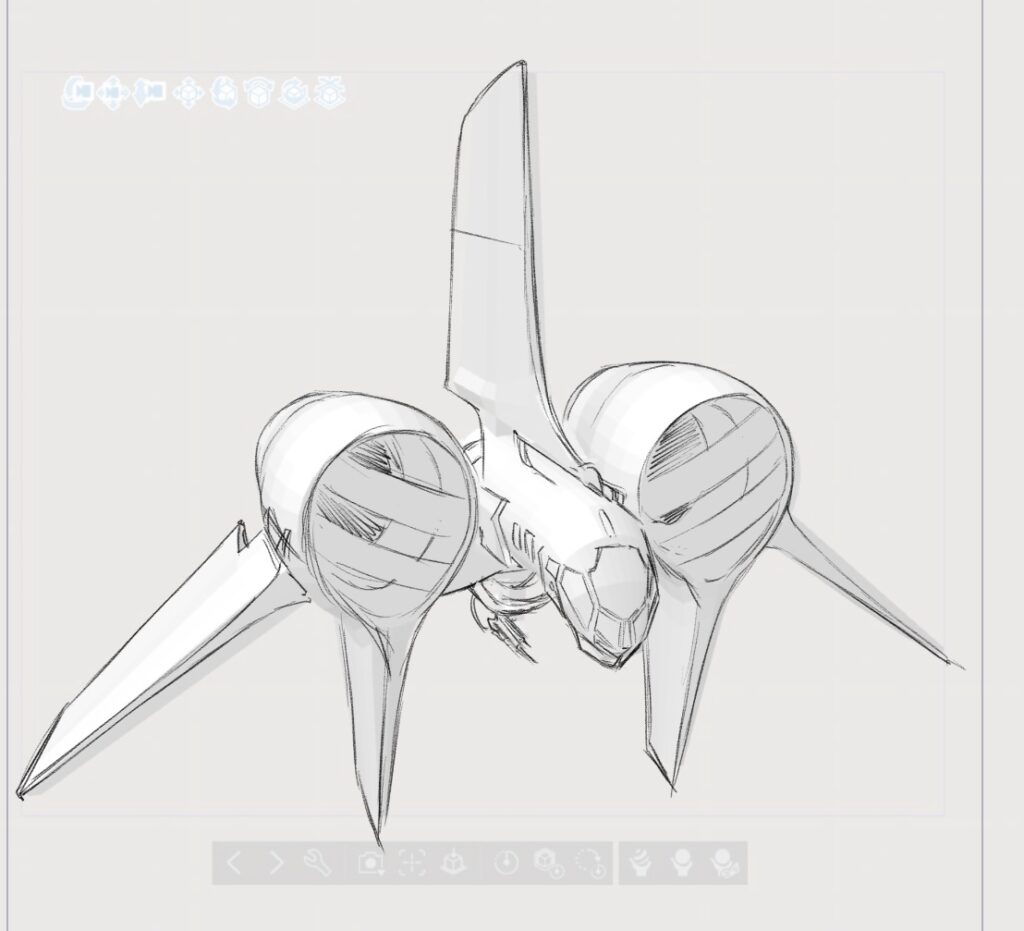
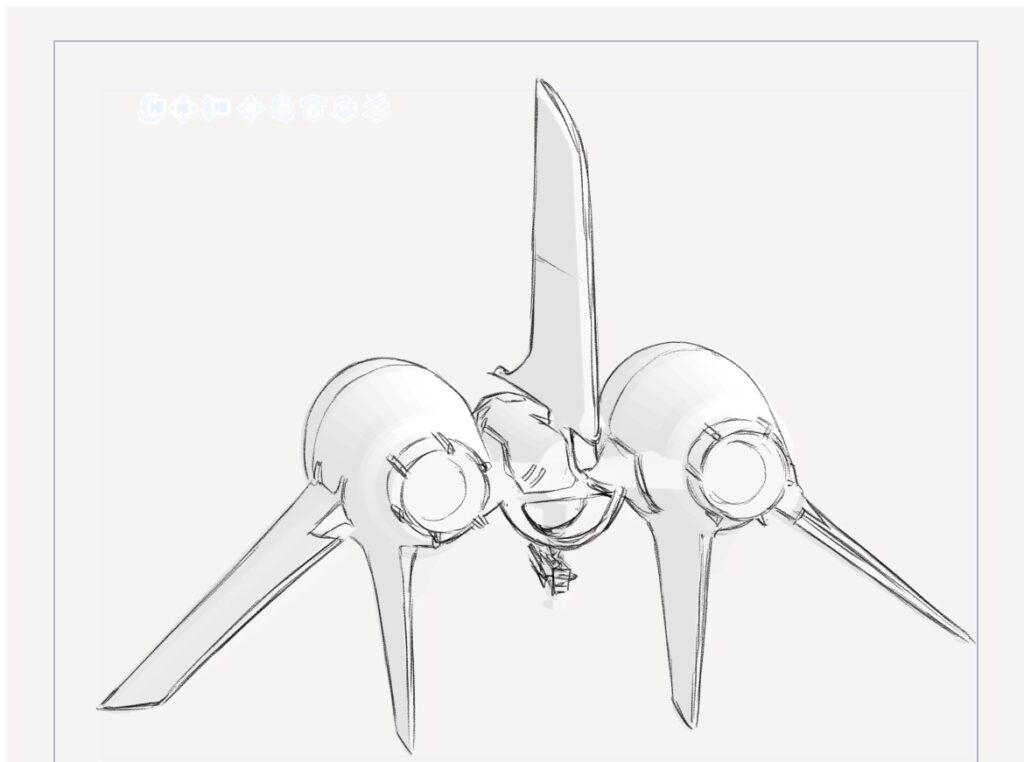
Here’s what we ended up with. The cockpit is rudimentary, but that’s okay because I’m only using this model to position the object in space correctly. Everything that I need is here.
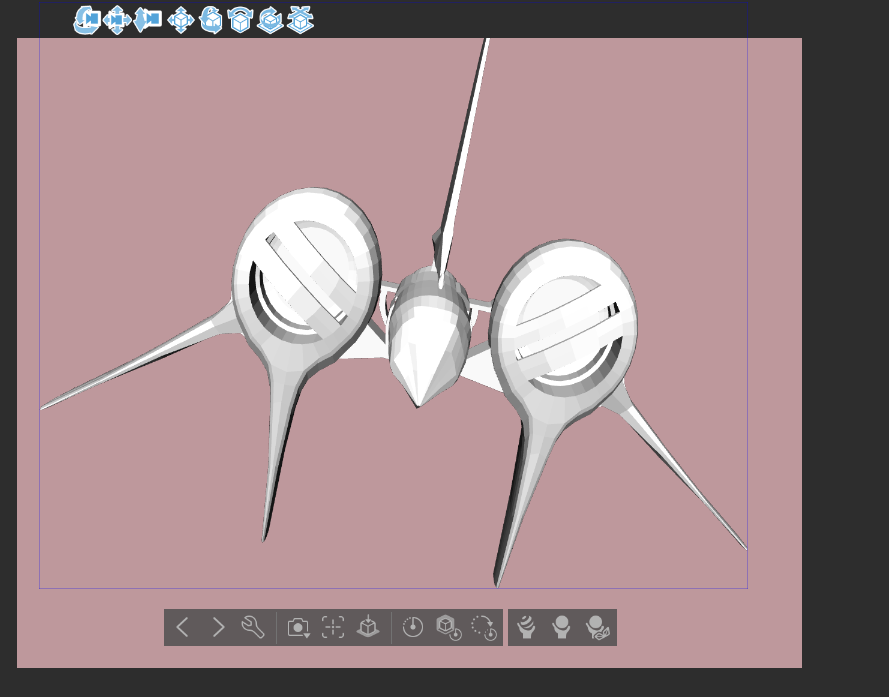
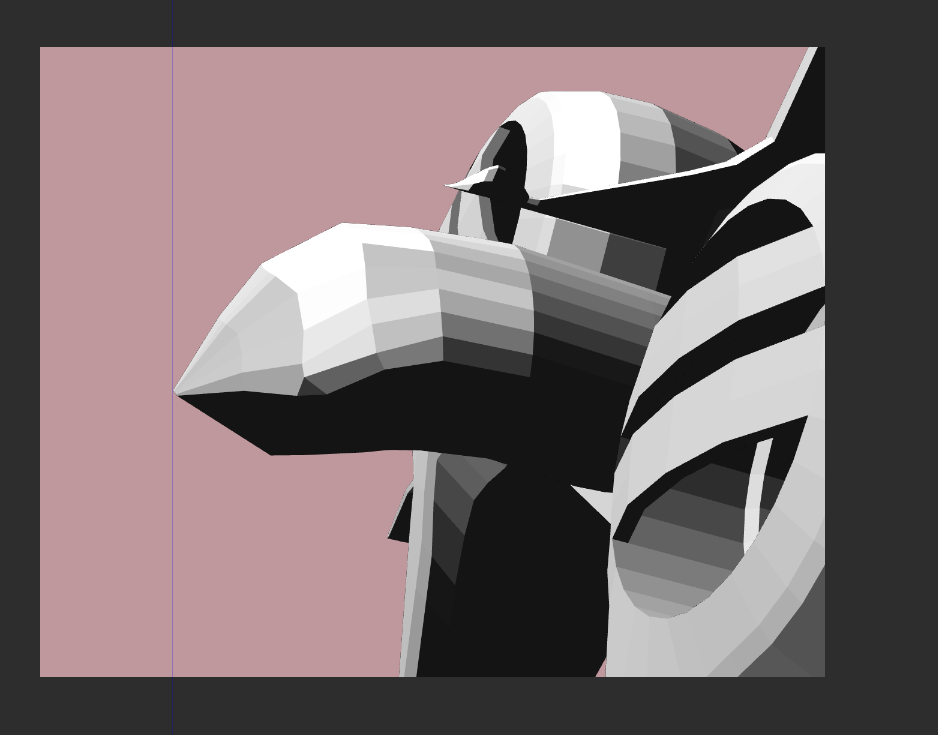
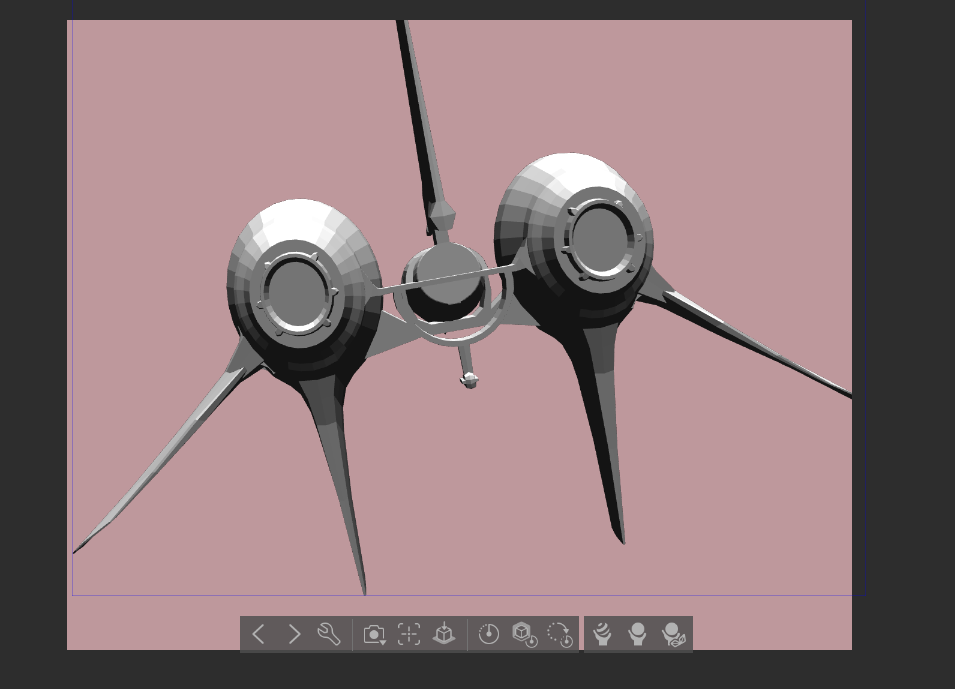
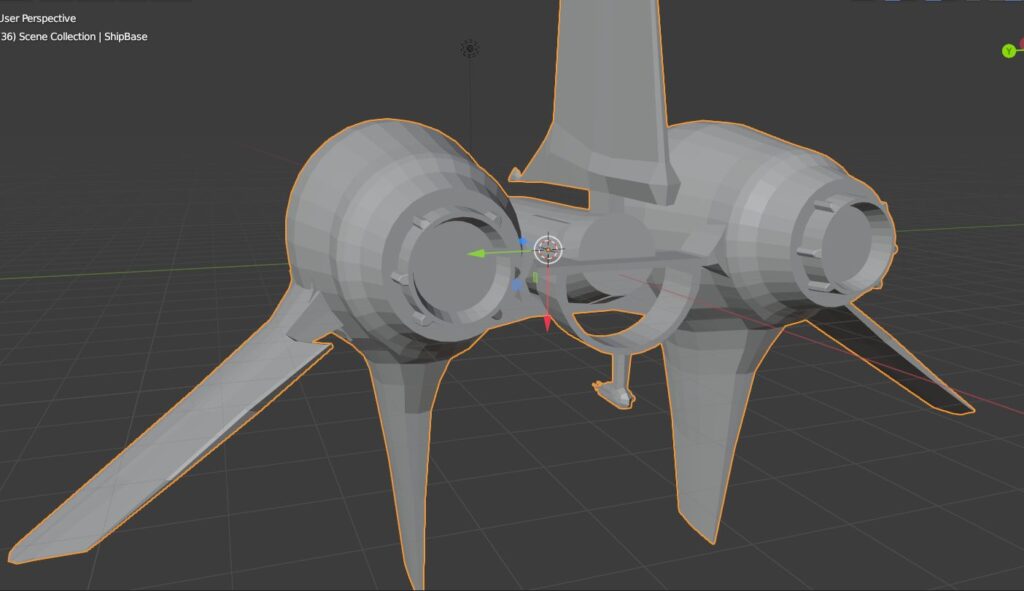
How the Model is Used on the Page…
This is a breakdown of the actual page process. I imported the model into ClipStudio Paint and rotated it into the perspective grid I had drawn in rough. Then I did a rough drawing over it and it was immediately happier with it than the sketch I had done previously. After that, inks and halftones, etc until the panel is done.
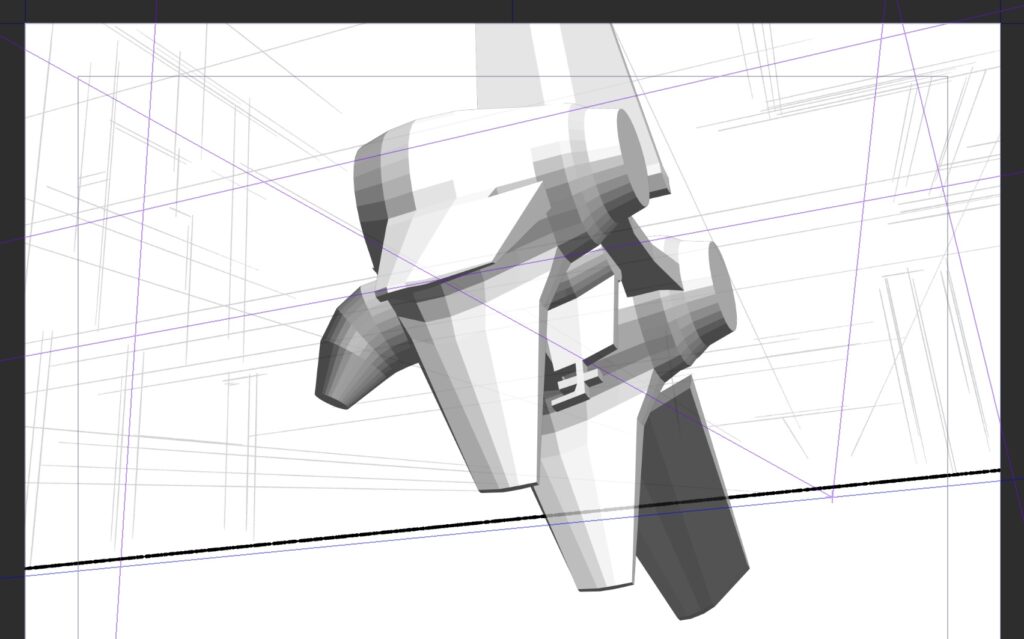
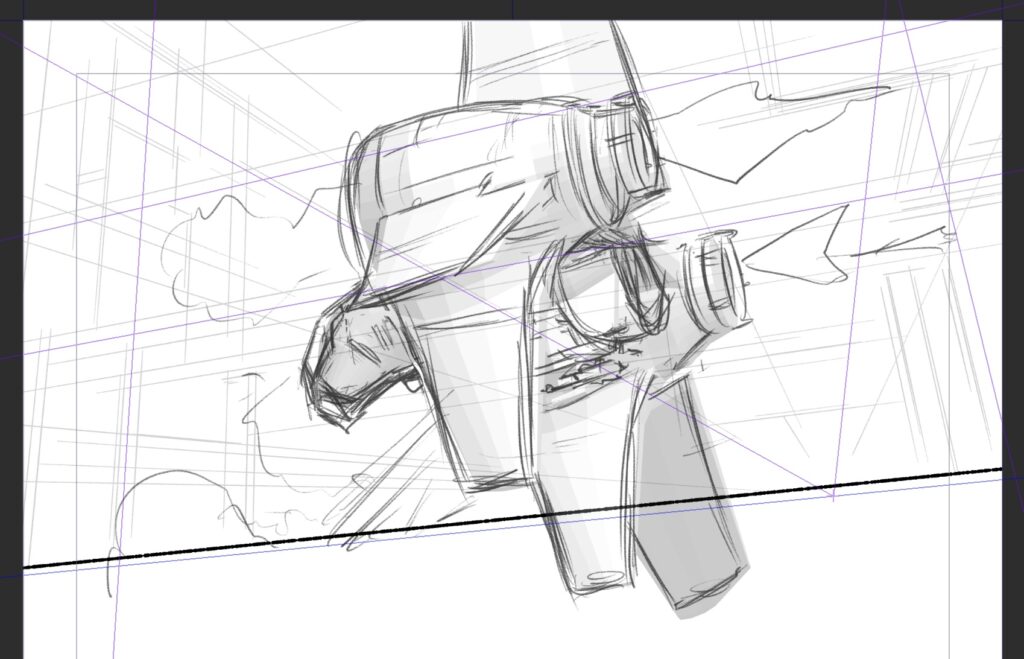
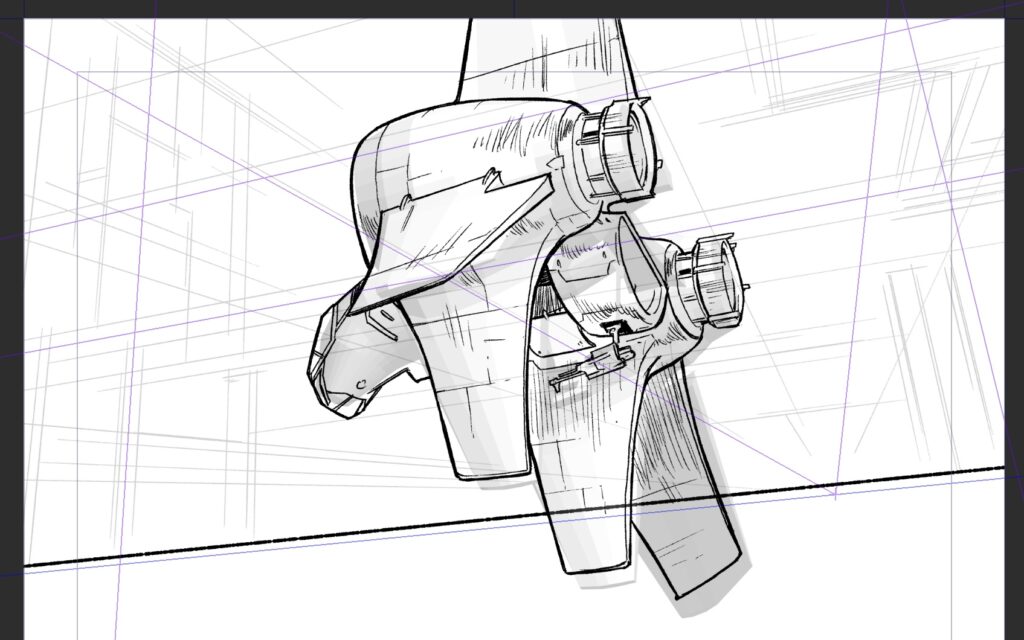
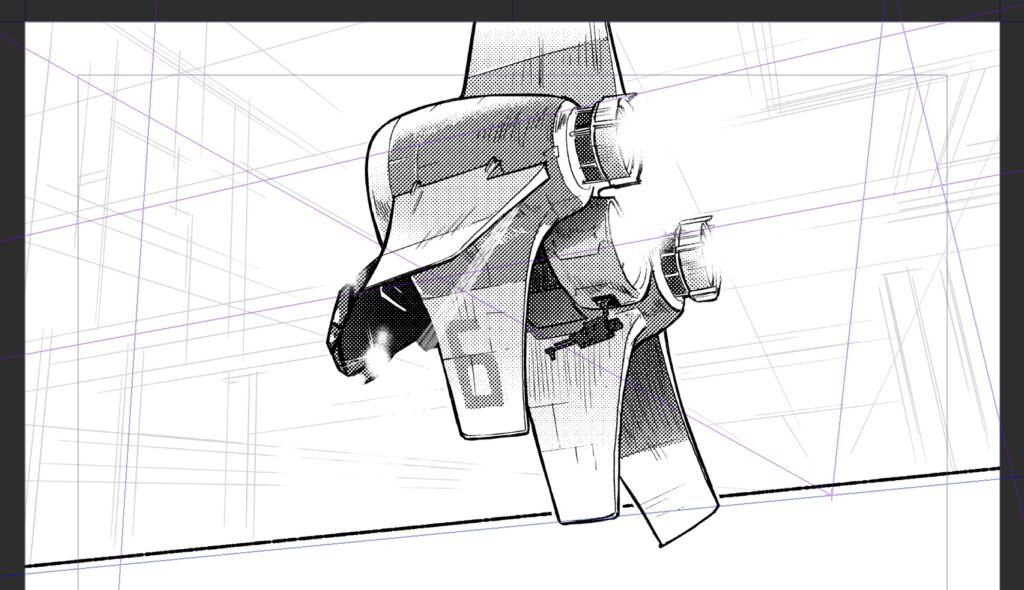
Here’s the final panel with the background drawn! Now if only I had models of this space-parking garage…
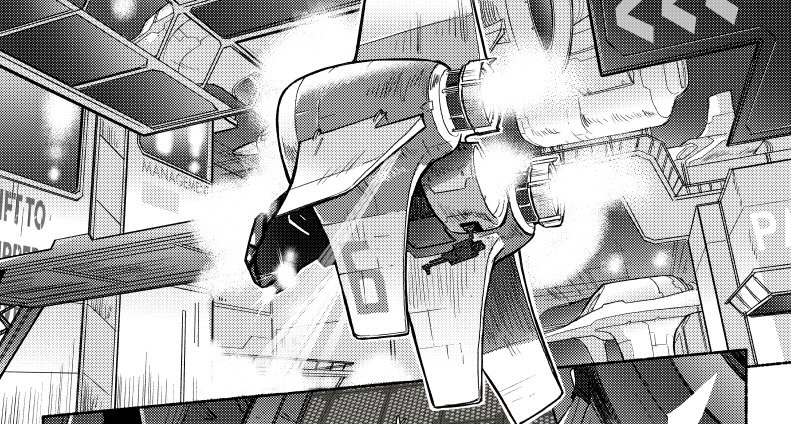
You can read the comic here!