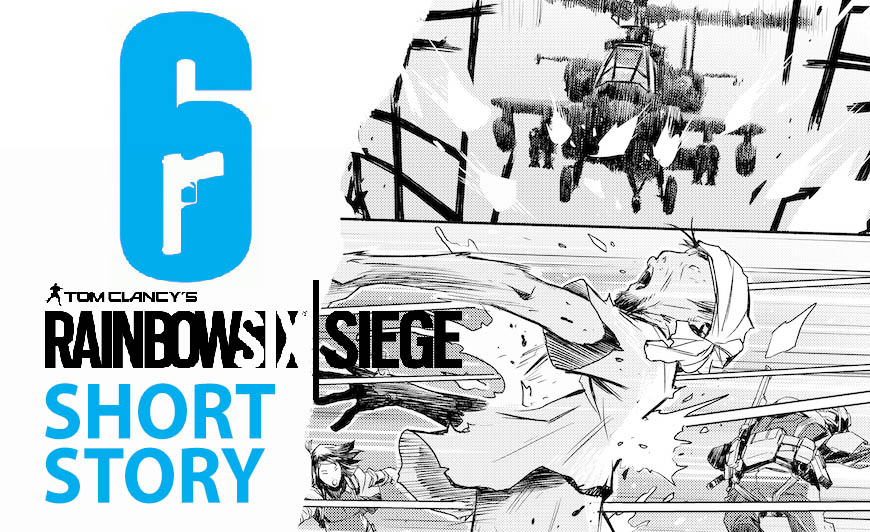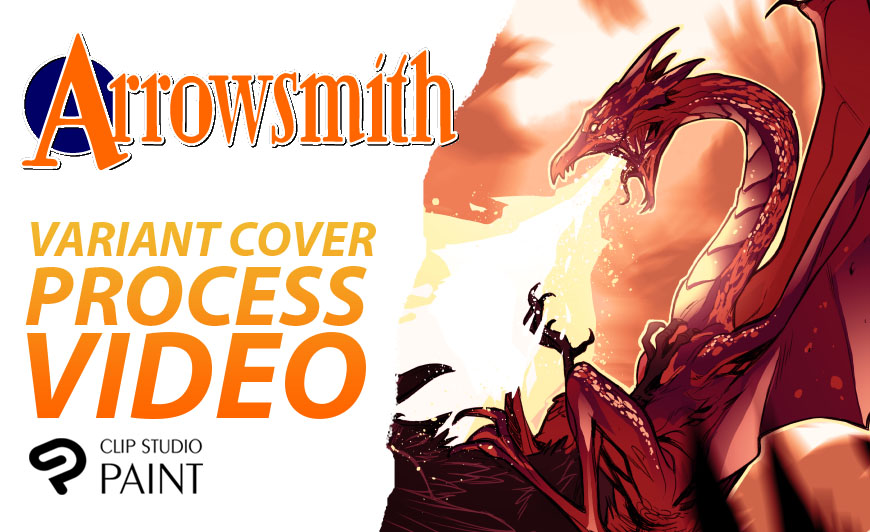
This is a sped-up video showing the process of a whole page of grayscale half-toning.
I’ve always loved the look of black & white manga, most of which makes liberal use of screen tones to add contrast and shading. I used to have to buy sheets of screen tone paper; they come in various sizes and patterns and are adhesive, so you’d have to finish your artwork, then lay the screen on the page and cut away the excess with an X-acto knife. Painstaking process and also kind of wasteful (especially when you’re spending big money on imported Japanese tone paper!), as you end up with lots of little unusable scraps that you have to throw away.
ClipStudio has made this process SUPER, SUPER EASY. Now I just draw my page as usual and tone it digitally using various shades of grey, then literally with one click, I can turn that layer into a halftone pattern. And the best part is, since it’s on its own layer, it’s always editable. If I don’t like the way it looks, or it needs to be darker/lighter, I can always mess with the sliders and dial it in to a value I’m happy with. I love this feature. It’s made me bold enough to try to make the kind of manga-inspired comics I’ve always wanted to make.
Check out the video! It’s fast but you can slow it down to see more details, or, better yet, just ask me a question in the comments if anything is unclear!